
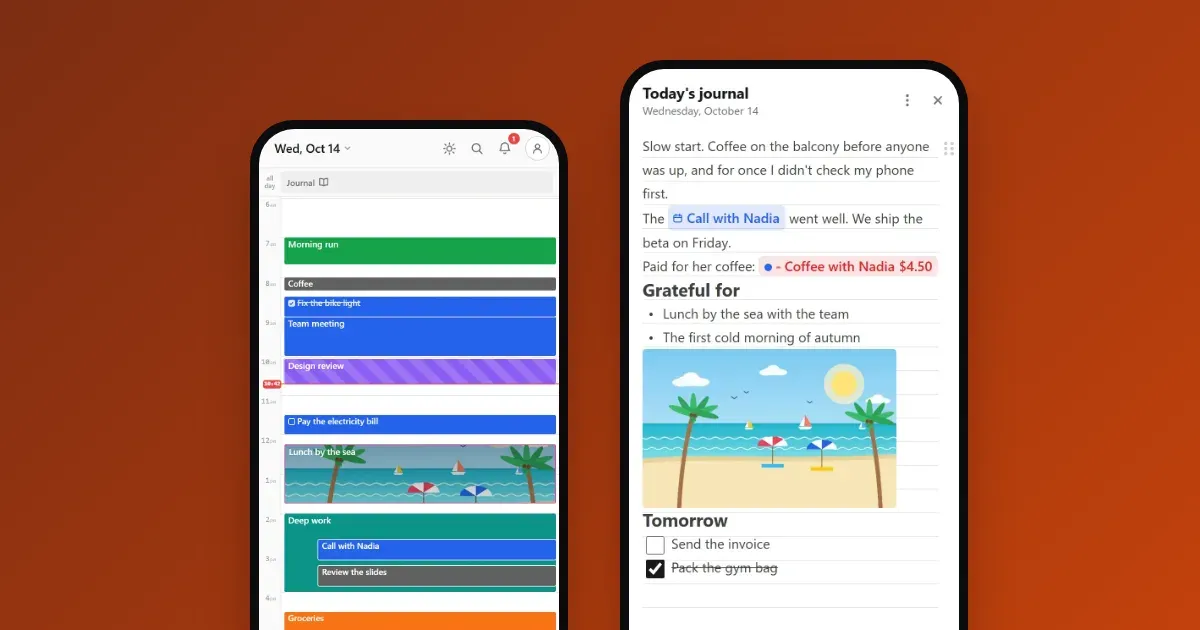
A daily journal that lives in your calendar
One page for every day, ready the moment you open it. Write, add photos, money and checklists, and find any day from your calendar or search. No templates, no setup, works offline.
Calengaroo is a minimal calendar with a live timer built in. Your tasks, notes and money sit right next to your events. It looks and works the same on your phone and your computer, even offline.
Free. No account needed.
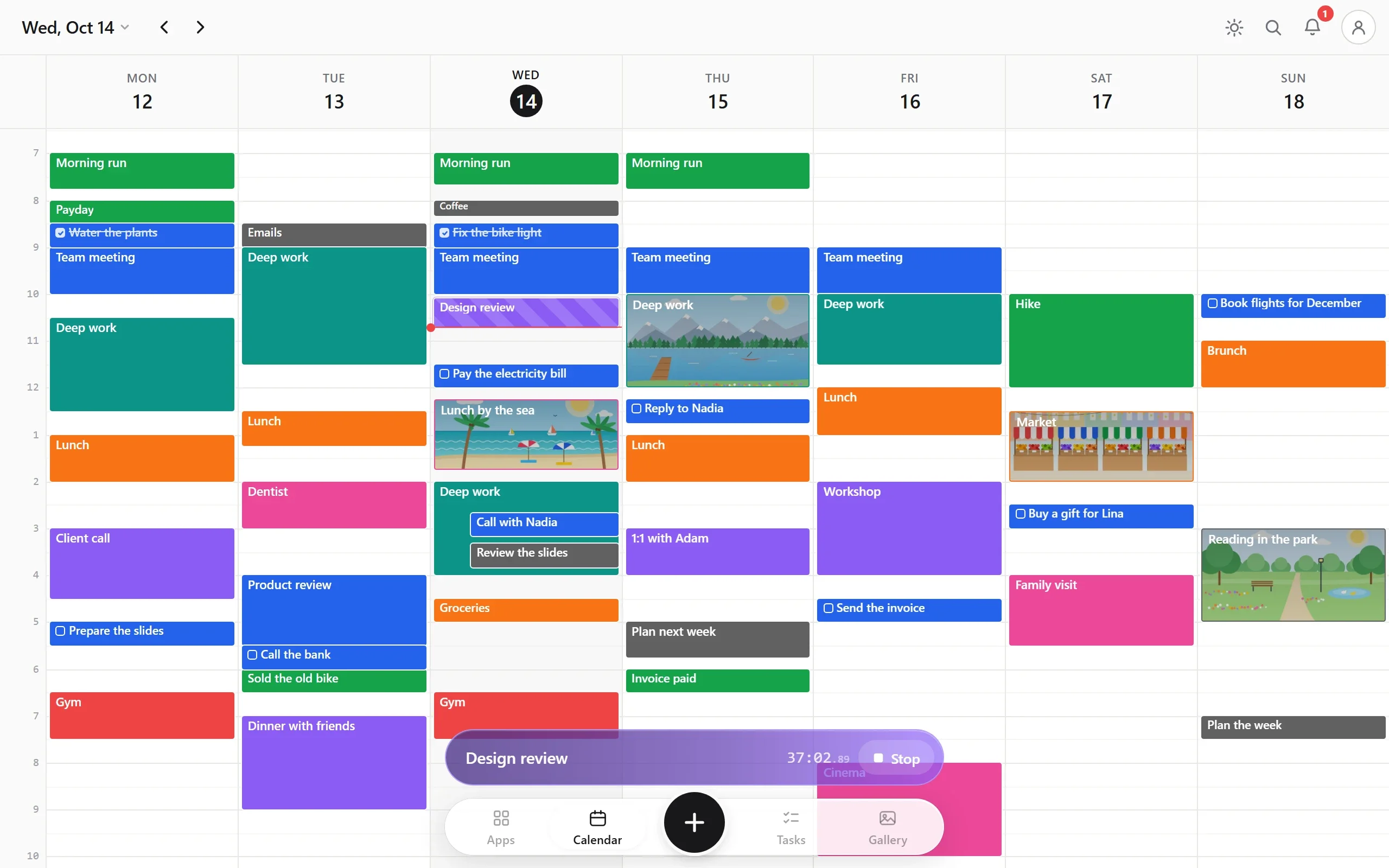
Like “Design review” or “Take out the trash”.
A live event appears on your calendar and grows while you work.
It stays as a normal event, so your calendar shows what really happened.
I have ADHD, and that is why I built Calengaroo: everything in one place, as few taps as possible, and nothing in the way. A minimal app that stays quiet until you need it.
No Save button. Every change is kept as you type.
No “Are you sure?” box. Changed your mind? Press Undo.
Move events on the calendar, tasks in your lists and notes into folders.
Calendar, timer, tasks, notes and money together, so nothing gets lost between apps.
A clean, quiet screen with only what you need, and no clutter.
Start the timer from anywhere, then get back to what you were doing.
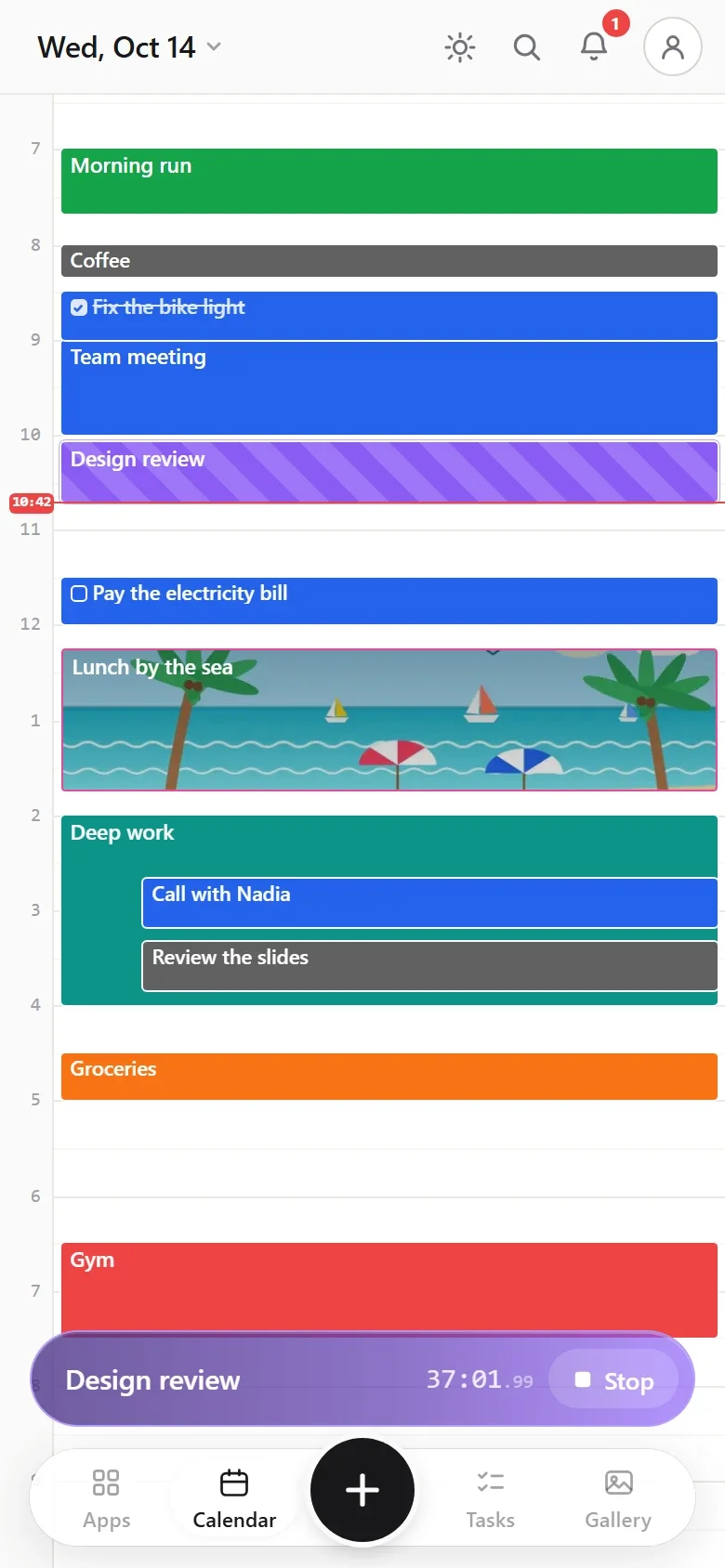
Day, three days, week, year and list. Drag an event to move it, pull an edge to change its length, pinch to zoom the day. It works the same with a finger or a mouse.
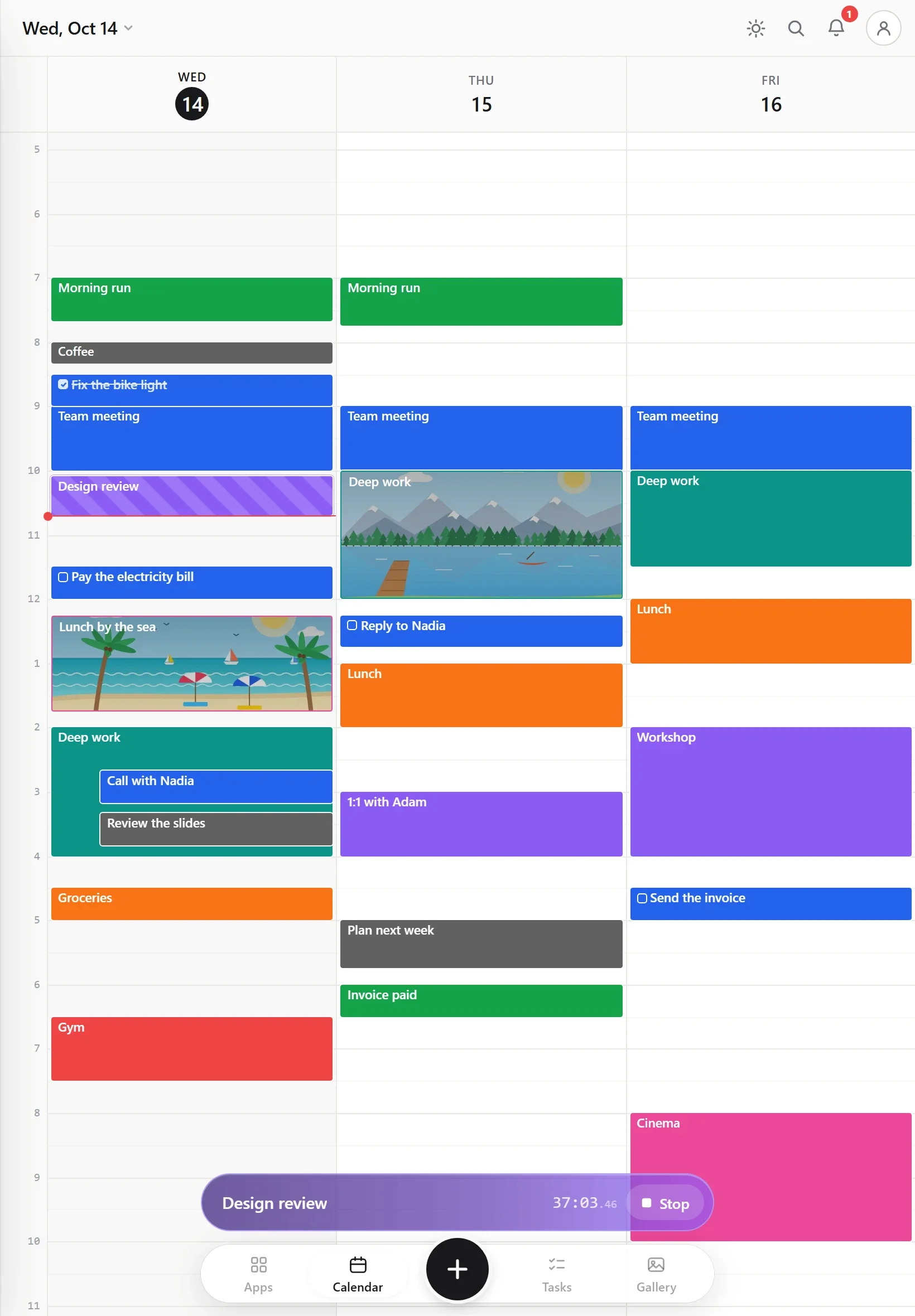
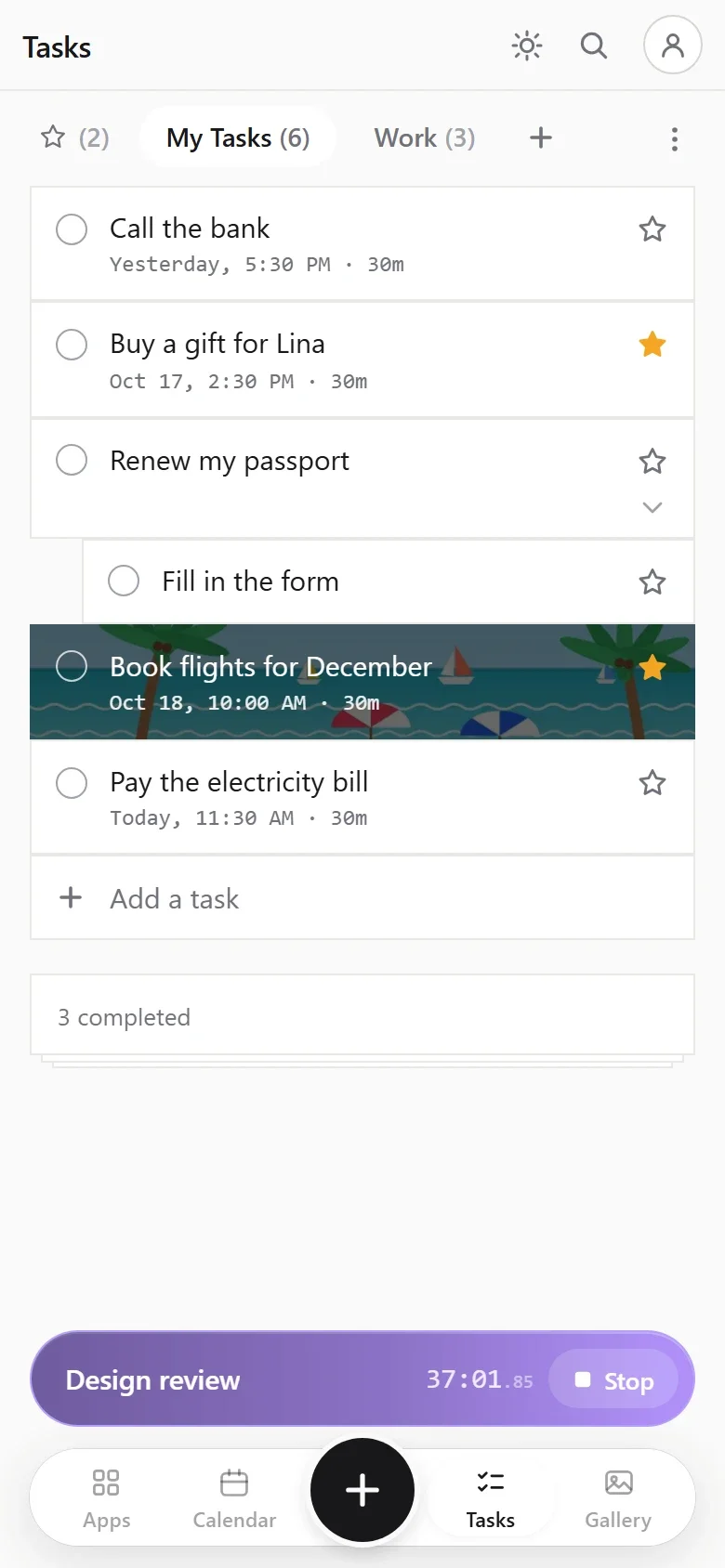
Lists, subtasks, stars, dates and deadlines. Give a task a date and it shows up on your calendar too.
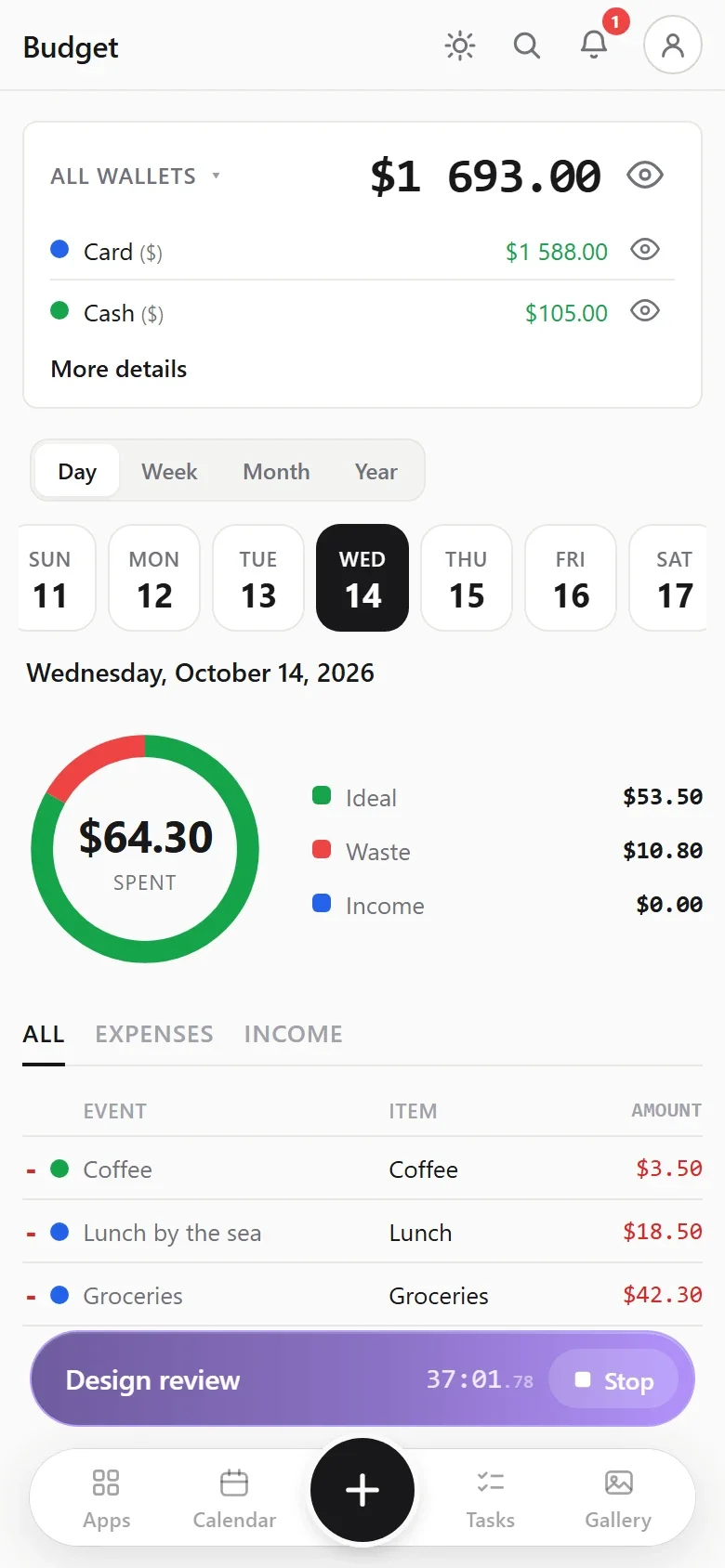
Write down what each event cost, in as many wallets as you like (cash, card, savings), each with its own currency. Calengaroo shows what you spent, what it should have cost, and the difference.
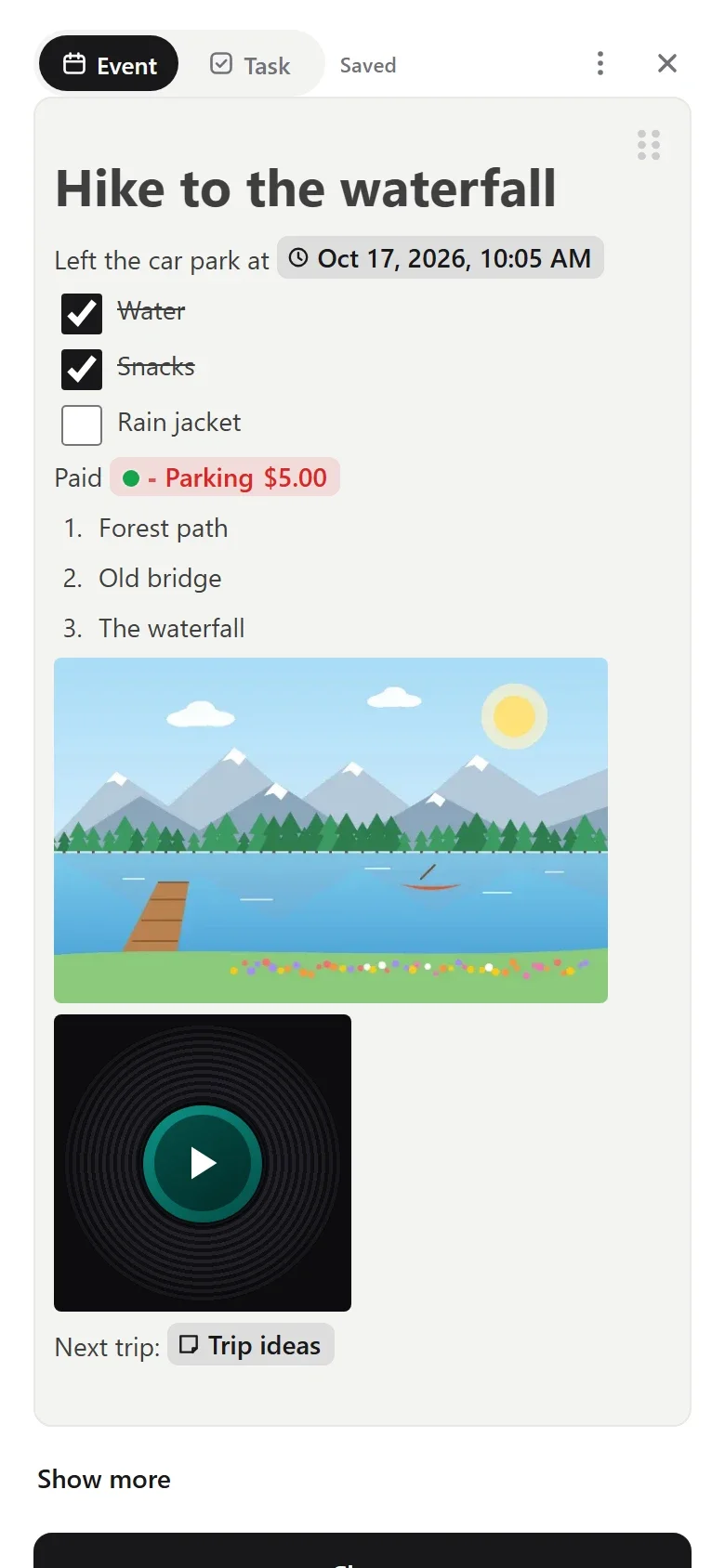
Every event, task and note has a full rich-text description. Type / and add what you need, for example:
And more: dividers, find and replace, a full-screen mode, voice commands while you dictate, and a camera built in.
Money you write in the text is real: it shows up in your budget.
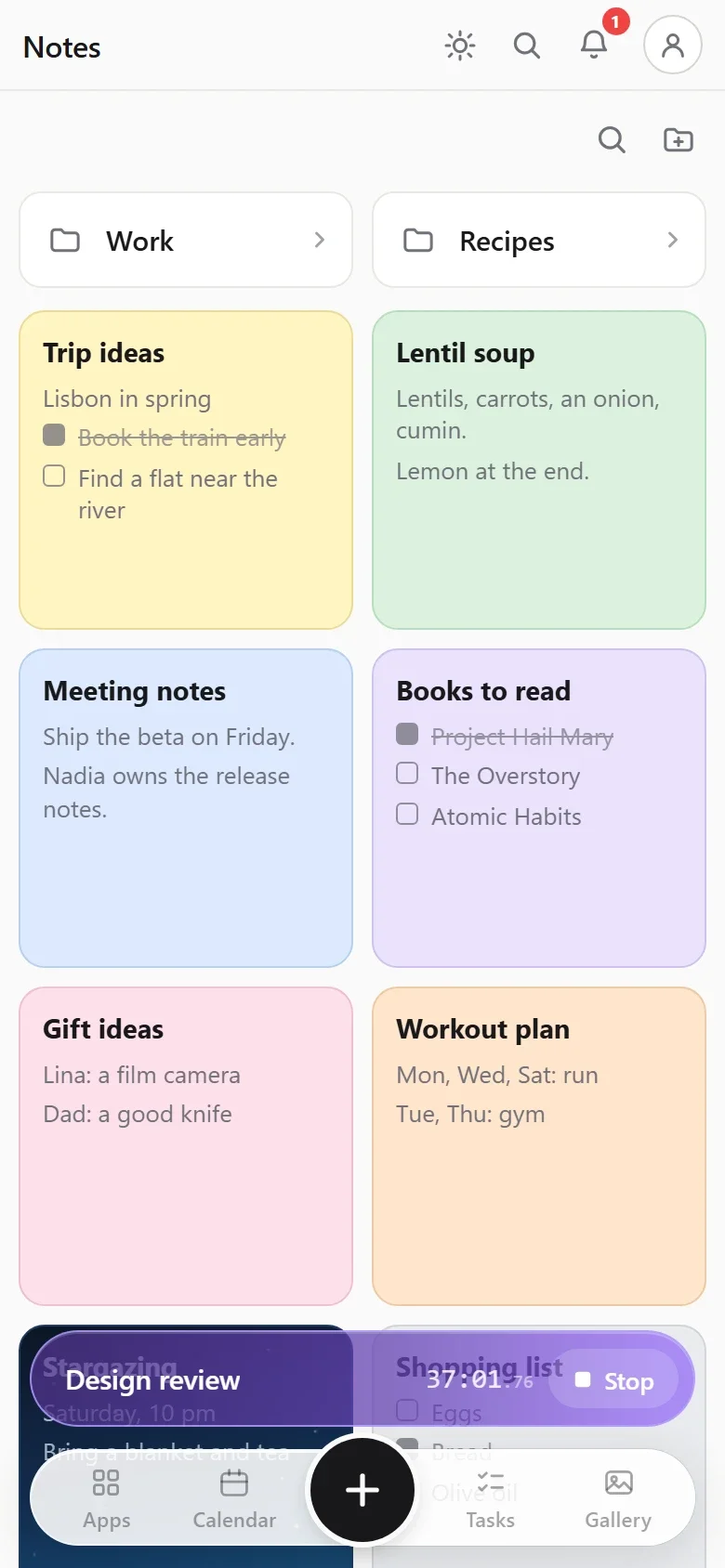
Put notes in folders inside folders, give each one a color, and drag them where you want. Every photo you add also lands in one gallery.
After your first visit, it works with no internet at all. Everything is saved on your device first, so there is no waiting.
Made to stay smooth on old and cheap phones, even with thousands of events.
Your phone, tablet and computer show the same app, with the same buttons and the same gestures. Learn it once.
Export to .ics for Google Calendar, Outlook or Apple Calendar, or save a full backup as a .zip file.
Search every event, task, note and expense at once, even with a typo.
The whole app speaks both, and each wallet can use its own currency.
Calengaroo is in beta. These features are on the way: sync across your devices, Google Calendar sync, sharing, habit statistics, end-to-end encryption and deep customization.
Your phone, your computer and your browser, always up to date. Free with an account.
Your Google Calendar events in Calengaroo, and your Calengaroo events in Google Calendar. Edit them on either side.
Share an event, a task, a note or a whole list with another person.
See how your habits are going over the weeks and the months.
Turn it on and your synced data is locked with a key that only your devices have. Not even we can read it.
Calengaroo will be highly customizable: pick your views, colors, sections and buttons.
I'm the person building Calengaroo, and I answer every single email. Many features in the app today came from people who wrote in.
An idea, a bug, a question, or just a hello: I want to hear it.
Email meFree on the web today. Add it to your home screen and it works like an app, even offline.
The app for Android phones and tablets.
Coming soonThe desktop app, with a floating timer.
Coming soonOne page for every day, ready the moment you open it. Write, add photos, money and checklists, and find any day from your calendar or search. No templates, no setup, works offline.
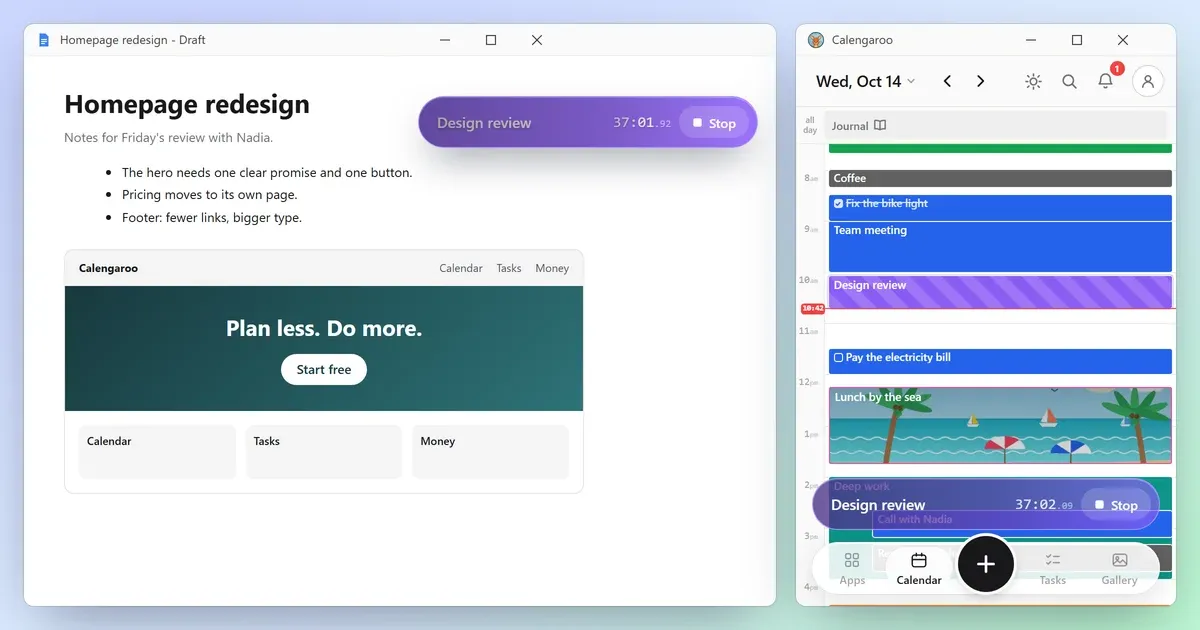
The Calengaroo desktop app is coming to Windows. A floating timer on top of your work, a calendar that fits on the side of your screen, keyboard mode, and screenshots right in your notes.
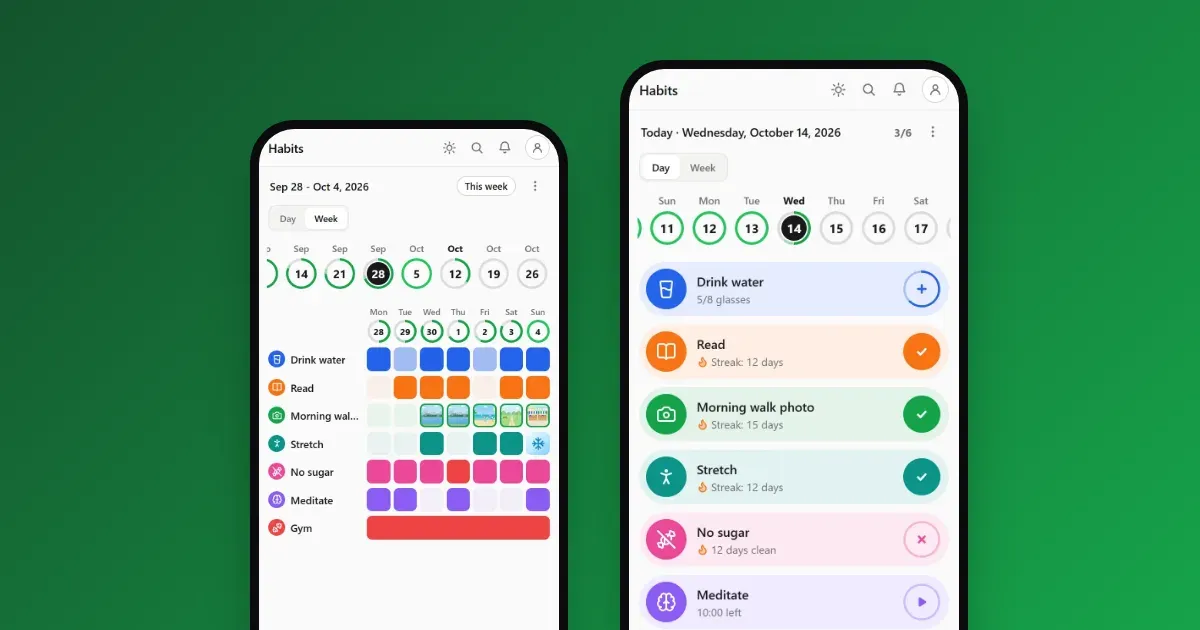
Track habits in one tap, on the same calendar as your day. Six kinds of habits, streaks, rest days, a week view, a photo and a note for every day. Free and offline.
Yes. Calengaroo is free to use. A paid plan with extra storage will come later.
It was made for it. Its maker has ADHD and built it to cut friction: everything in one place, no Save buttons, no confirmation boxes, drag and drop everywhere, and as few taps as possible.
No. Open the web app and start. Everything you create is saved on your device.
Yes. After your first visit, it works with no internet at all, and everything is saved on your device first.
Yes. It runs in any modern browser on phones, tablets and computers, and looks the same on each. Android and Windows apps are coming, and so is sync between your devices.
Yes, with .ics files: export from one calendar and import into the other, in both directions. Live two-way sync with Google Calendar is coming.
Yes. Your data stays on your device, there are no ads, and we never sell your data.
It is in beta. It already does a lot, and it keeps growing. If something is missing or broken, write to me.
An independent developer, who answers every email. Many of its features came from people who wrote in.
